
Step-by-step visual guide for using the AloDoktor platform, both for patients and healthcare professionals.
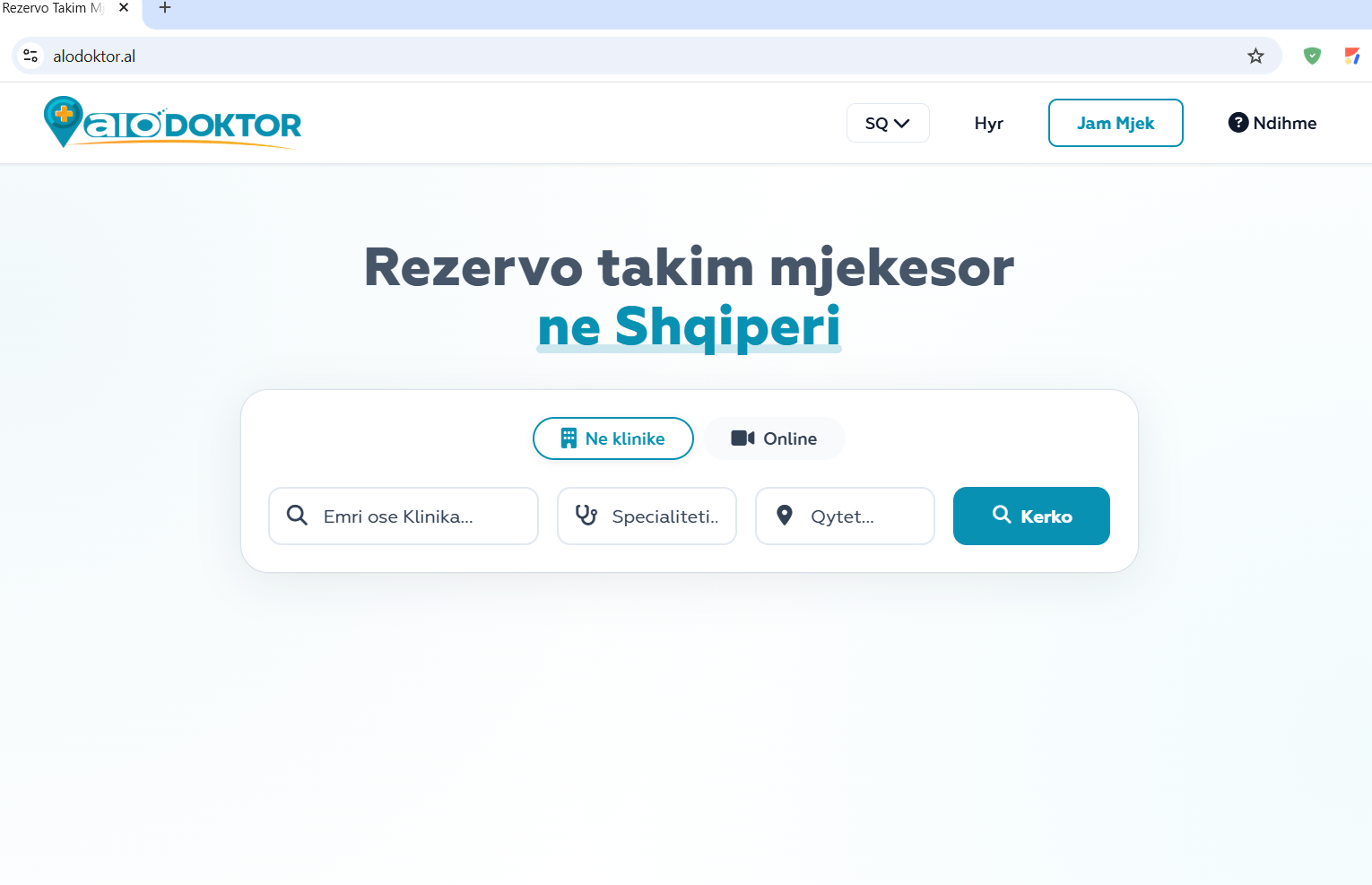
When you open AloDoktor, you will see the homepage with all search and navigation options.
Use filters to narrow your search and find the right doctor faster.
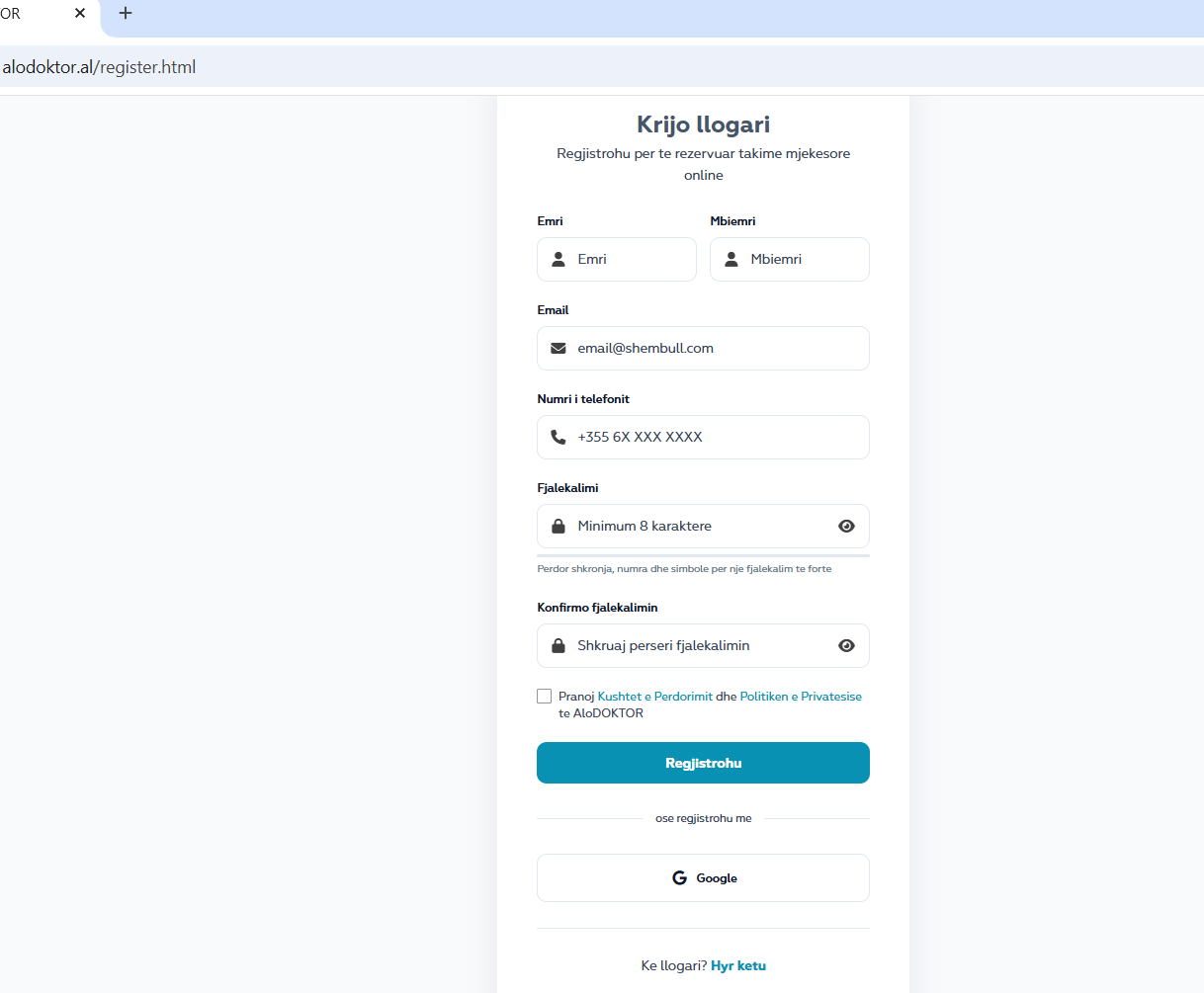
To book and manage appointments, create a free account. Click on "Register" in the top right corner.
An account is required to book appointments. It allows you to manage appointments, view history, and access video consultations.
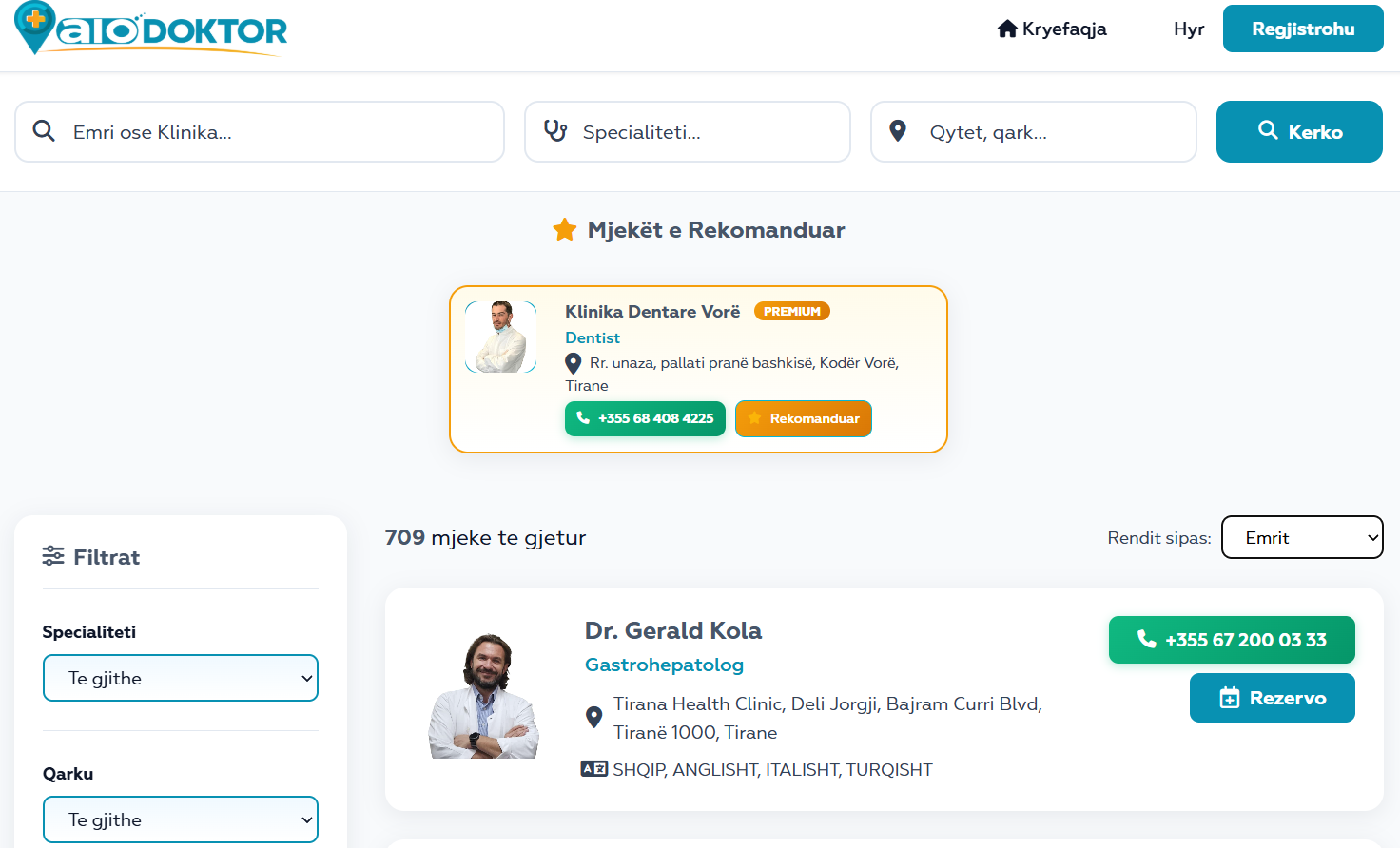
Use the search field or filters to find the doctor you need.
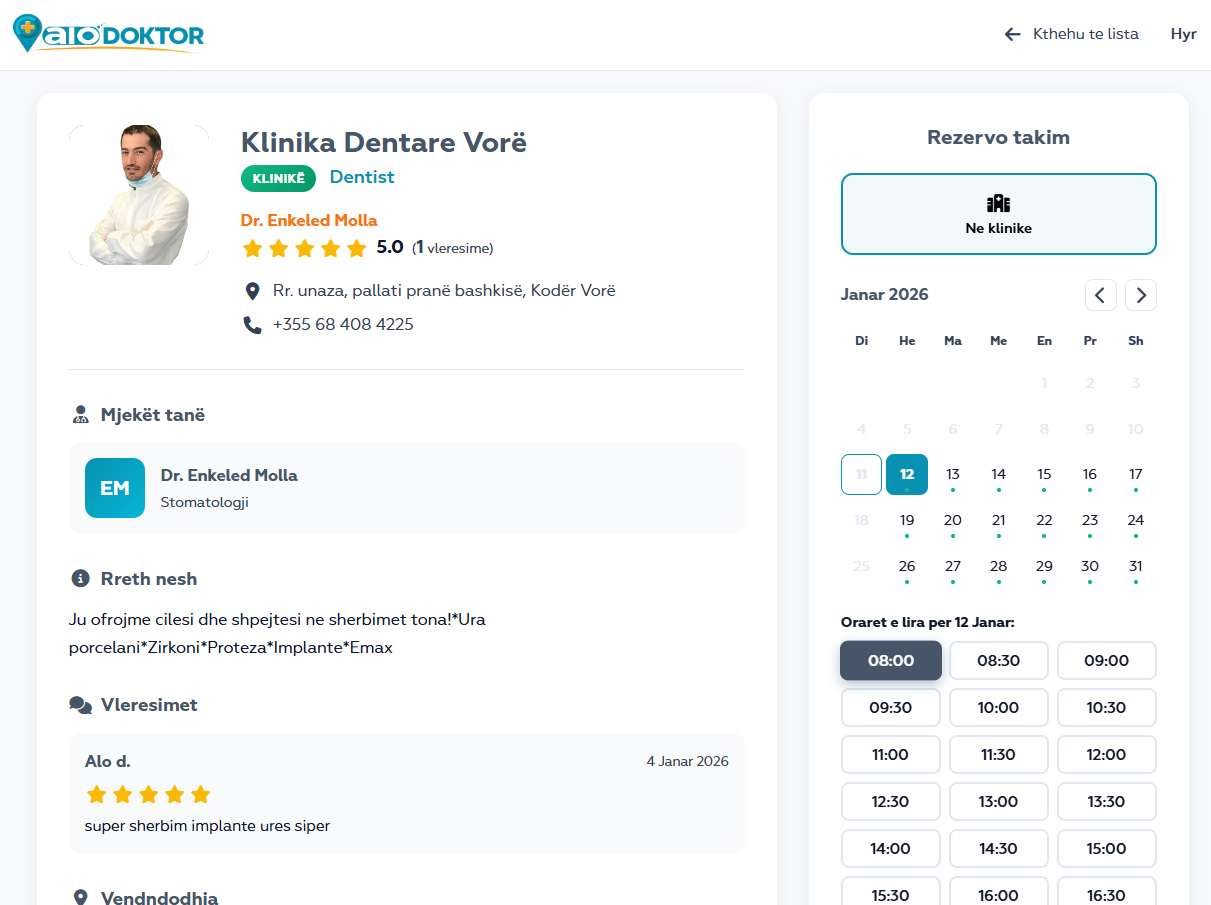
Click on the doctor to see full professional information.
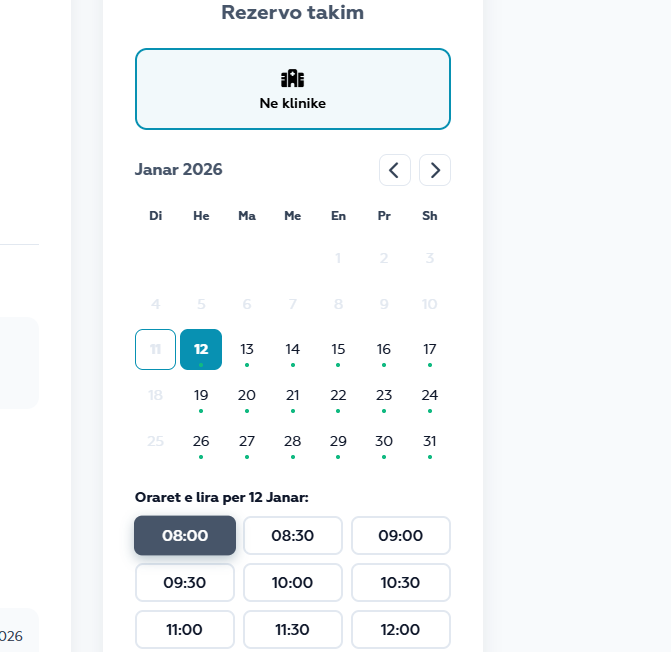
Choose the date and time that suits you from the available calendar.
Book as early as possible to secure your desired time slot.
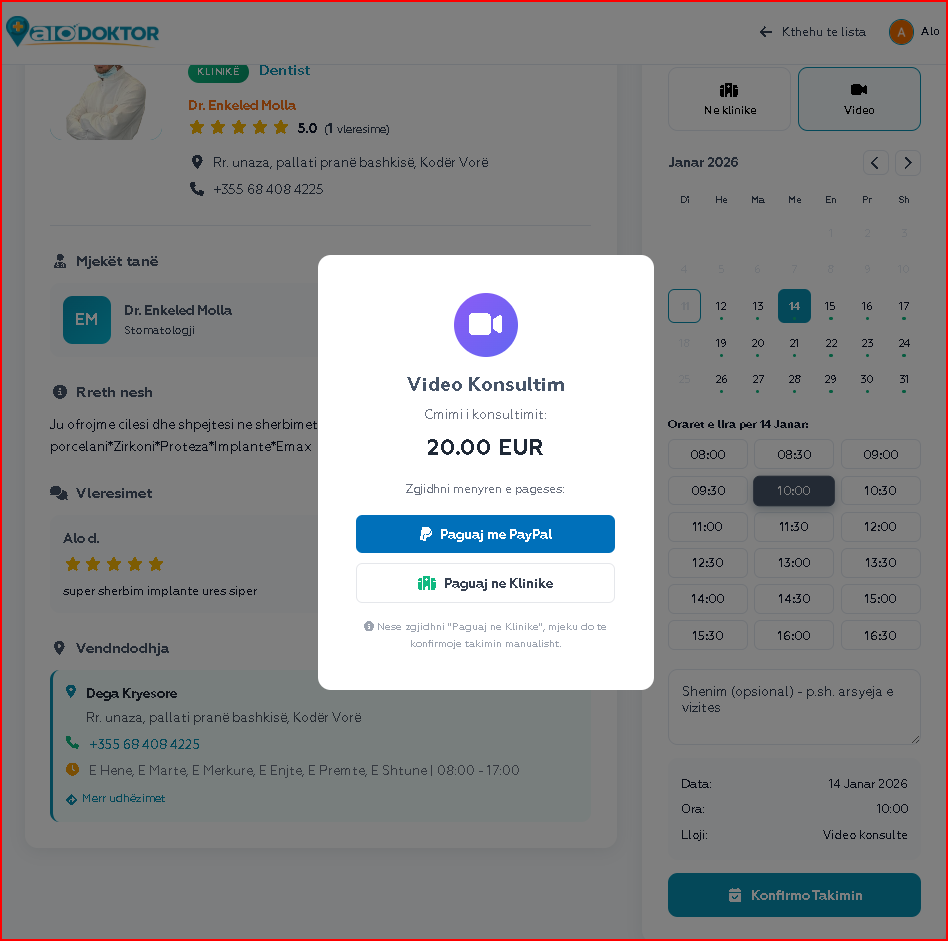
Some doctors offer online consultation from your home.
Not all doctors offer video consultations. Make sure the doctor's profile shows this option.
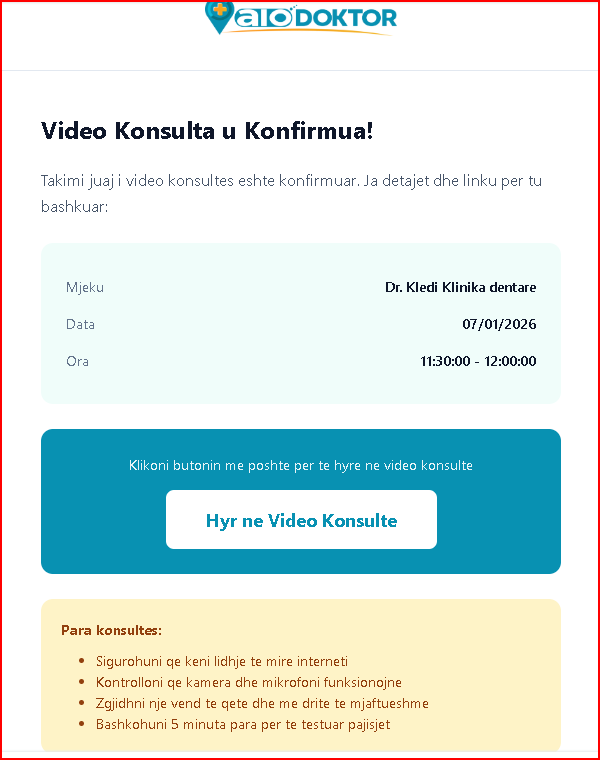
After booking, choose how you want to pay for the video consultation:
For video consultations, online payment with PayPal is recommended for immediate confirmation.
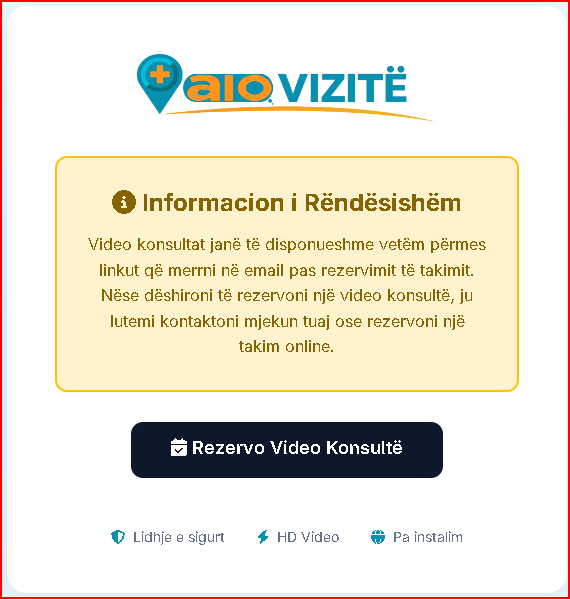
On the day of appointment, 15 minutes before you will receive an email with the video consultation link.
Make sure you have good internet connection, a quiet place, and test the camera/microphone beforehand.
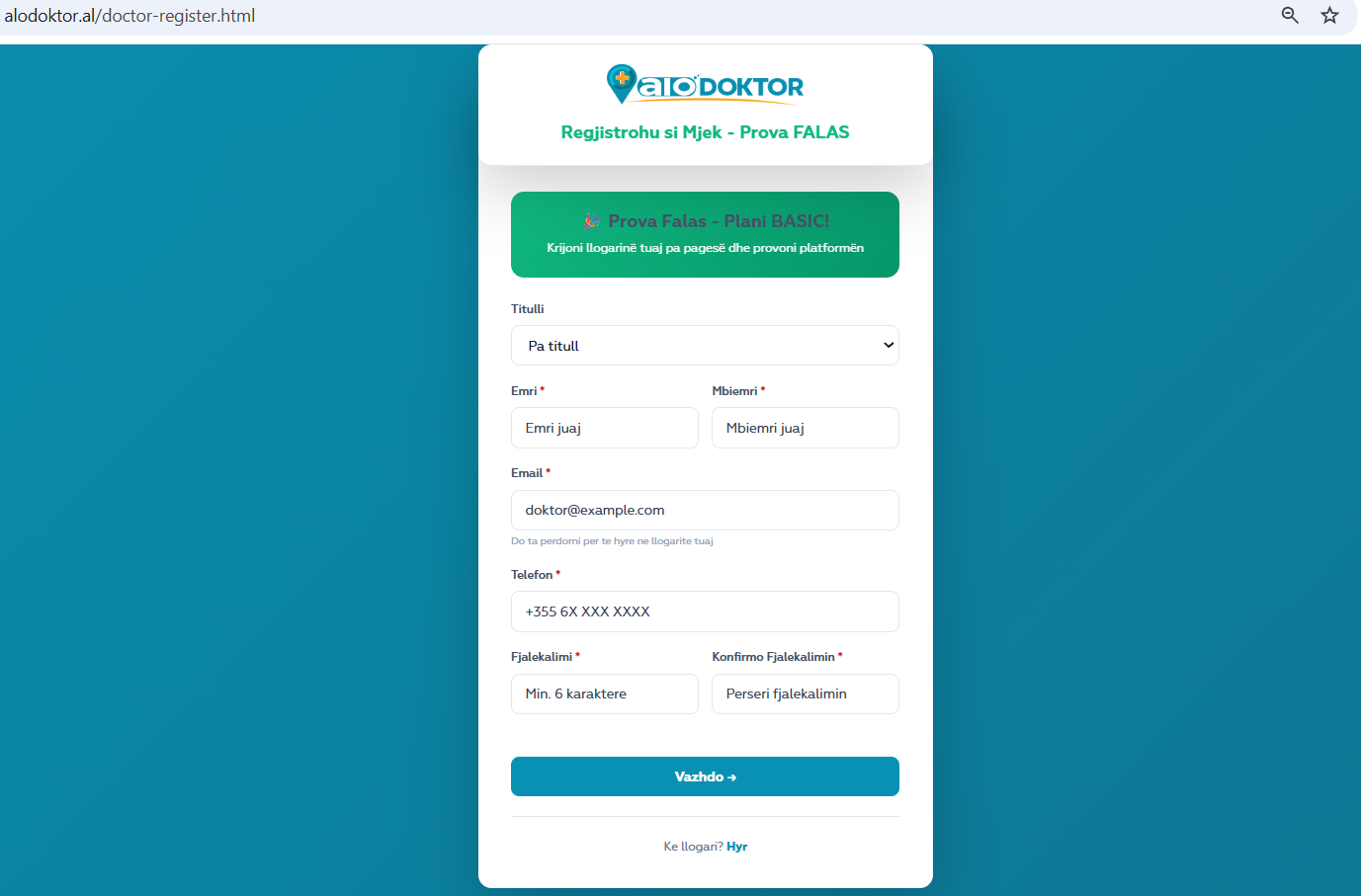
Visit the AloDoktor Pro page and click "Register as a Doctor".
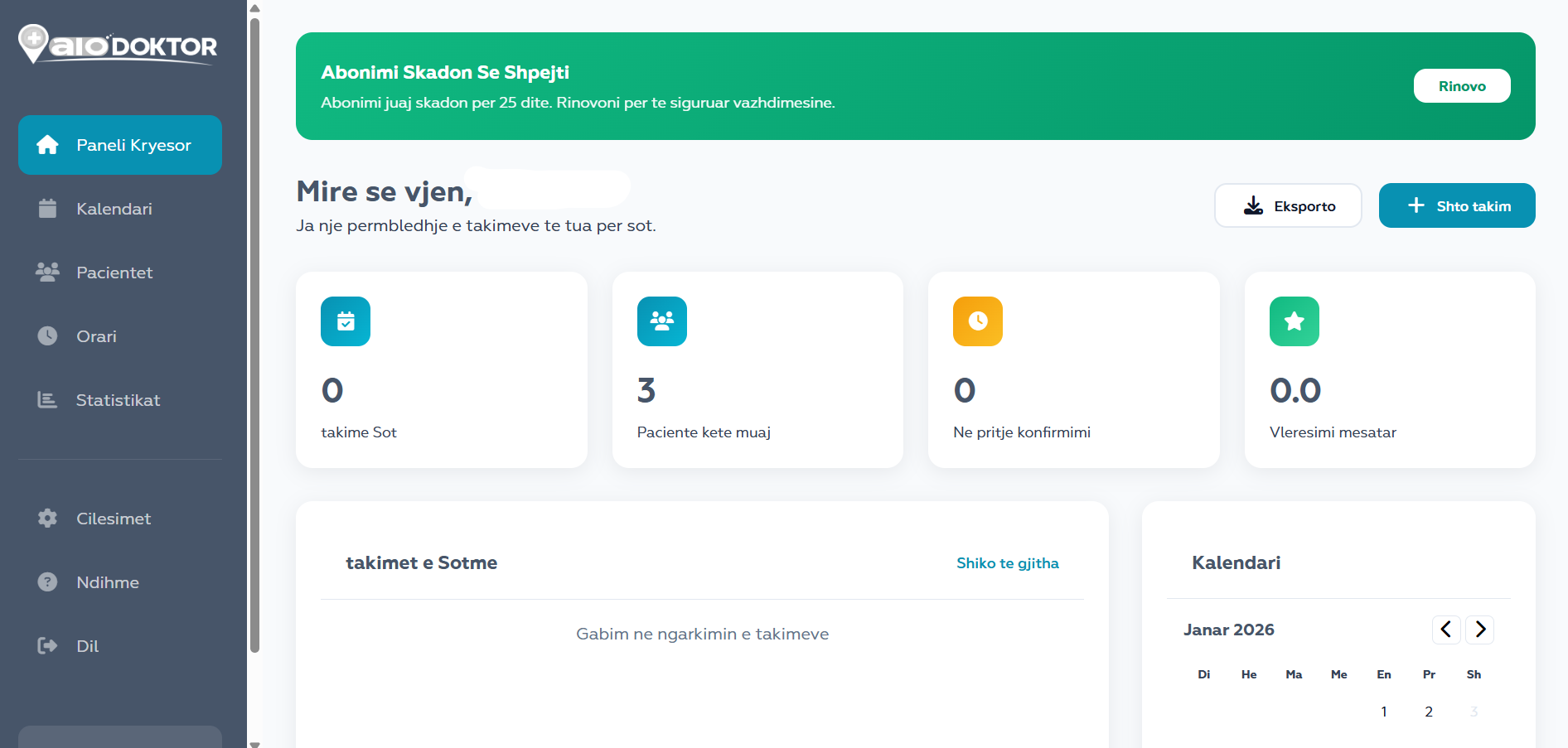
Once your account is activated, you will have access to your panel.
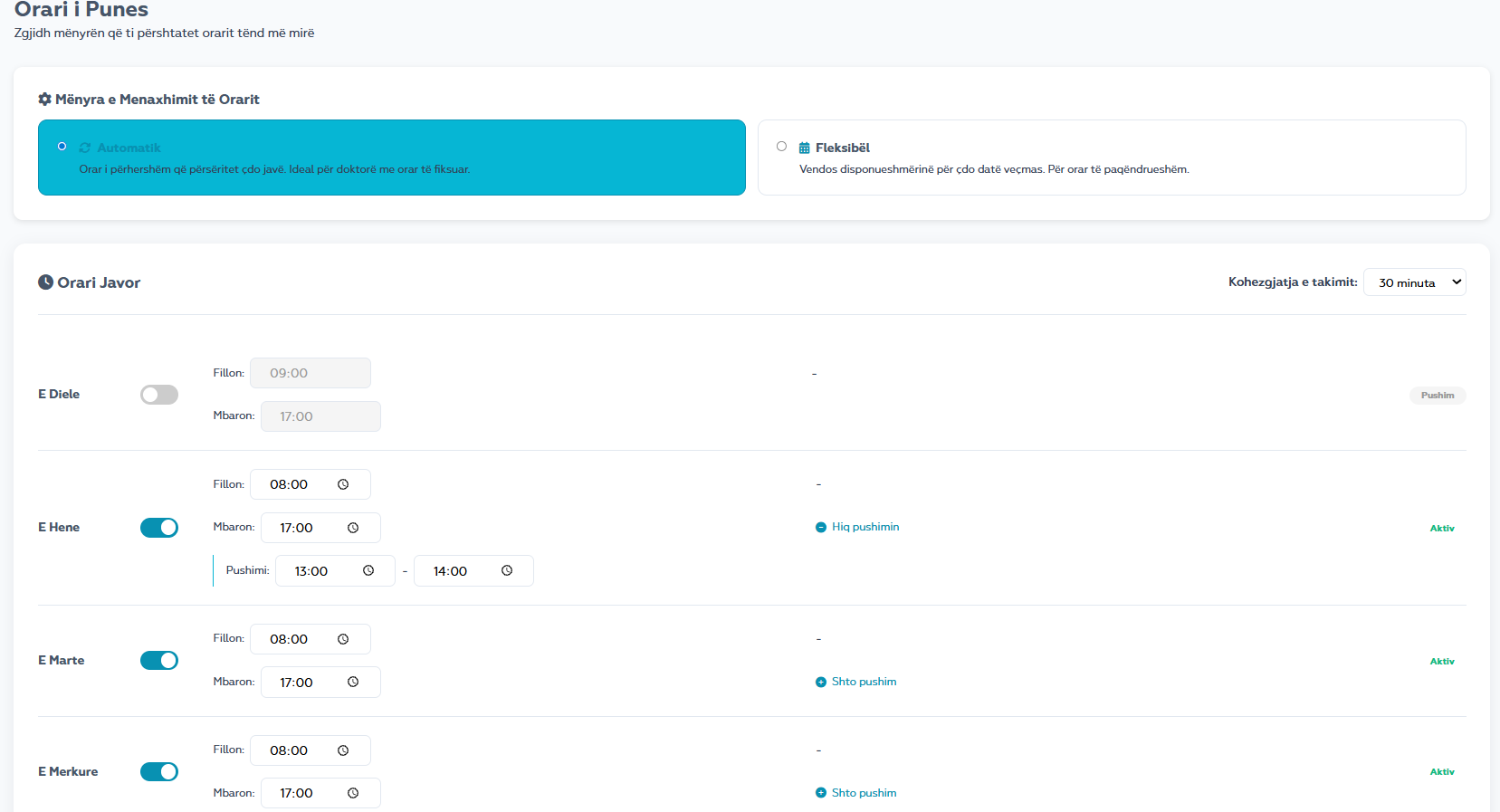
AloDoktor offers 2 modes for managing your work schedule.
🟢 Green dot = has schedule | No Date = no schedule or day off
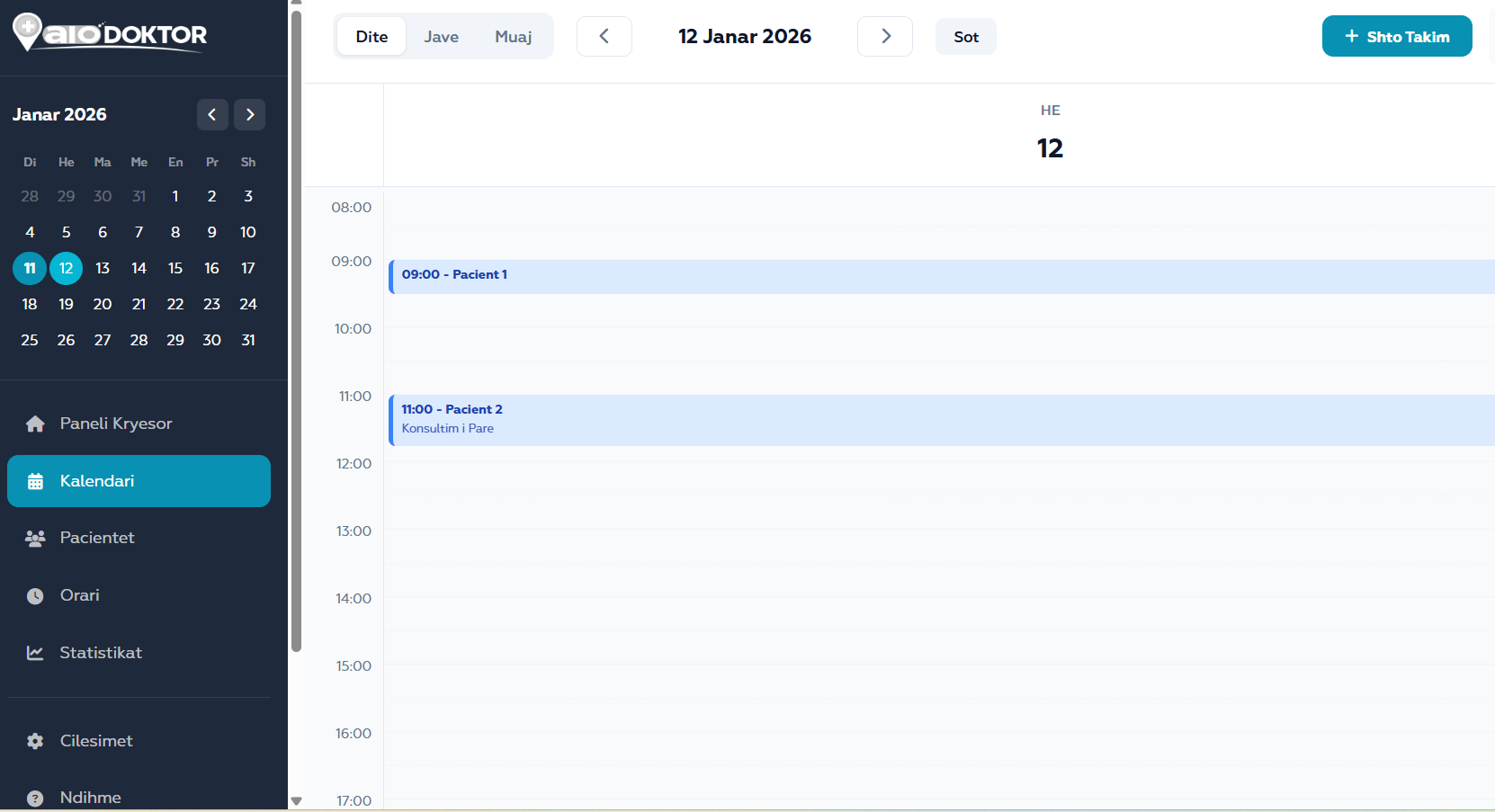
View and manage all your bookings.
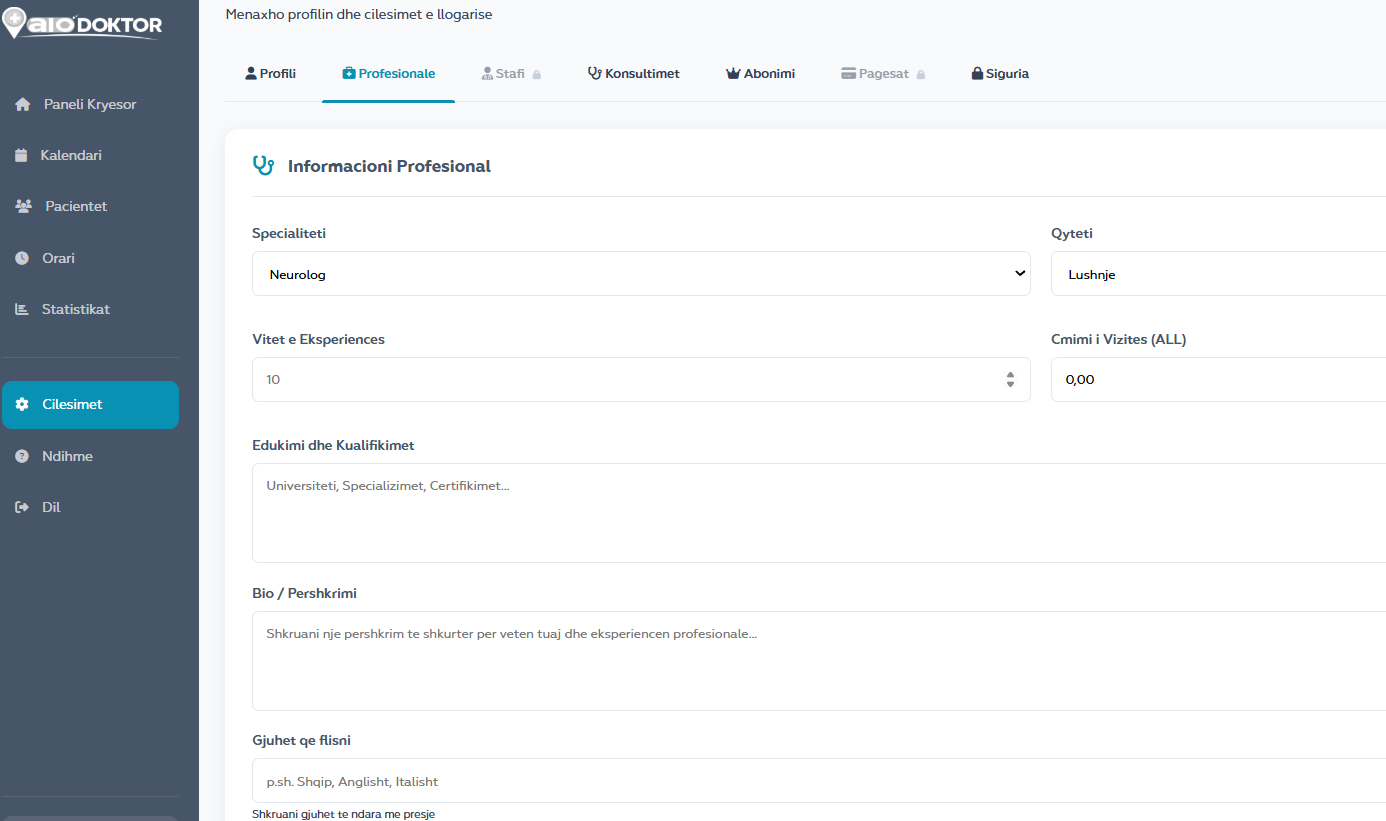
Create a complete professional profile to attract more patients.
A complete and professional profile increases patient trust and bookings.